Completion Certificate
Complete a program.
Earn your certificate.
Upload a photo of the final project and download a personalized record of program completion. It is not an academic credential or professional certification.
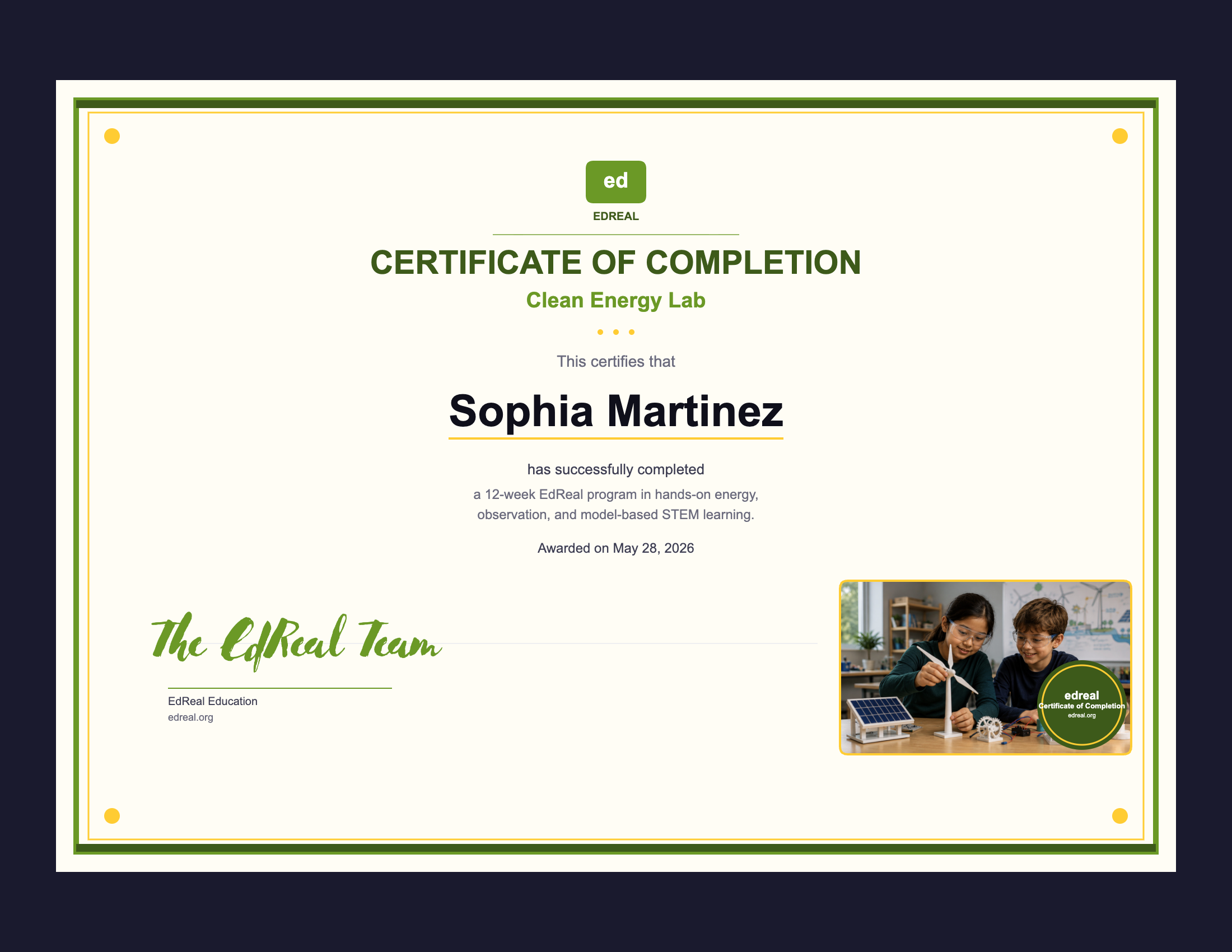
Families use one EdReal account to manage program completions and certificate downloads.
Select your program: Clean Energy Lab, Smart City Lab, AI Literacy Lab, or Self-Driving Cars Lab.
The certificate is tied to a real completed build or capstone artifact — not a quiz score or seat time.
Each certificate is personalized with the student’s name and the date their program was completed.
A personalized digital certificate is ready to save, print, or include in a student portfolio.
Available certificates
Live Certificate Preview
See your certificate take shape
Fill in the fields below to preview your personalized certificate. The full download flow is available after program completion at edreal.org.
Sign in or create a free EdReal account to download your personalized certificate.
Complete all fields and upload your project photo to download your certificate.